
5,000 open orders. New invoices every day. The plan stays right.
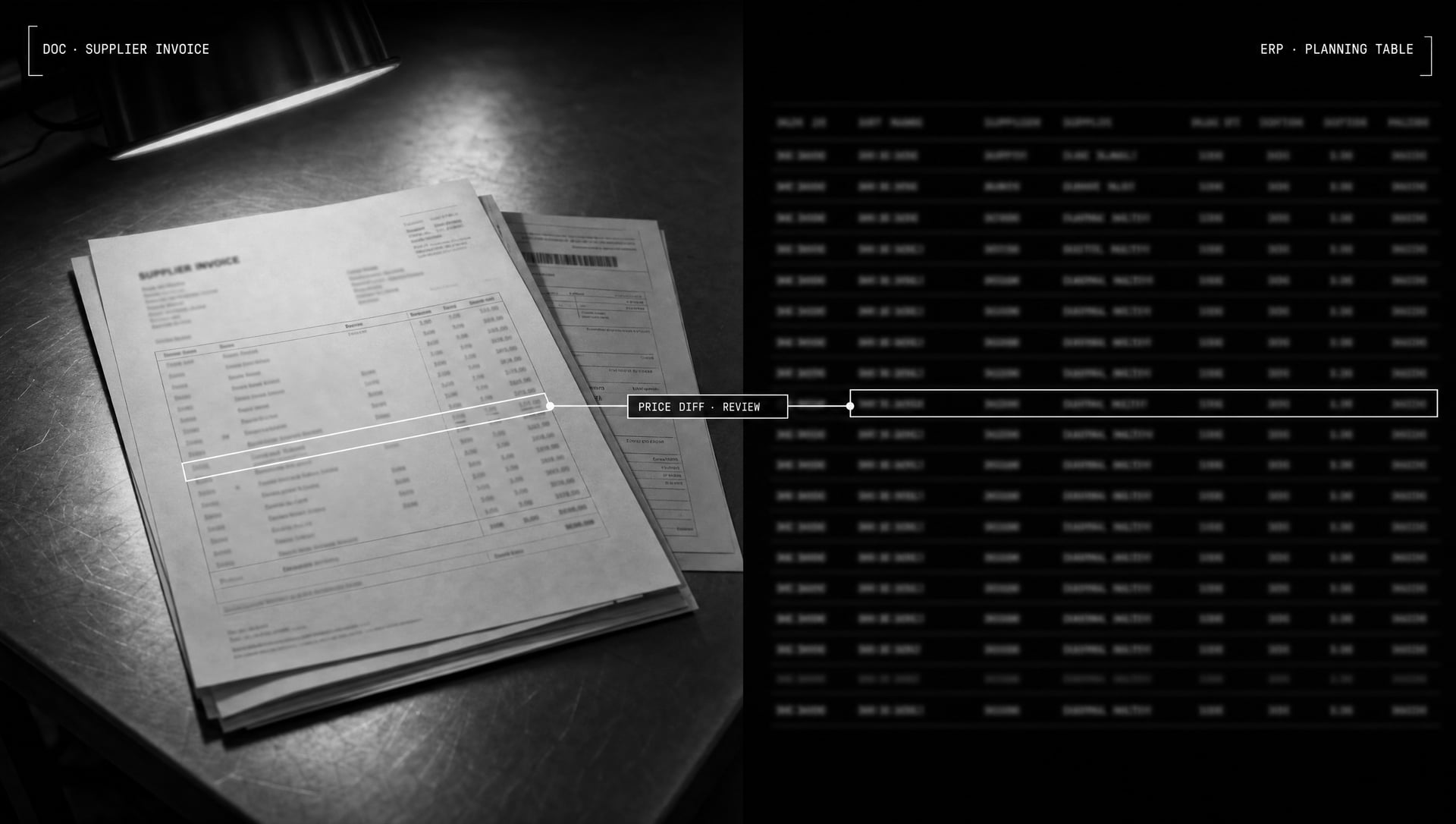
The Primarch Purchasing Agent reads supplier invoices, matches them line by line against your MRP plan and writes the lines to your ERP itself. Price differences, short shipments and delays are flagged.
Today this matching is done by eye and by hand. One mismatch that slips through makes the production plan silently wrong.
An invoice goes in, your plan comes back current
01 · The invoice arrives
PDF invoice; bill of lading and tracking number optional. In a multi-page PDF you can pick the pages to read.
02 · The lines are read
A visual model reads the lines; a supplier-specific rule set normalizes the order number.
03 · Matched in the MRP
A search across 5,000 lines: single match, ambiguous or not found — all flagged.
04 · Differences flagged
What was read is compared with the plan; quantity, price and date differences are flagged.
05 · Arrival date computed
Planned arrival date, automatic: shipping mode, transit time, holiday calendar included.
06 · Written to your ERP
Only permitted columns are written; every change keeps a who/when/why record.
Reading, not templates
Template-based OCR needs a separate template for each supplier's invoice; when the layout changes, the fields drift. The agent reads the invoice the way a person does: it works out where the table is and which column is quantity and which is price. Supplier-specific quirks are defined in one plain sentence.
- A new supplier is one sentence of rules, not a new template
- Open-order (backlog) lists run through the same flow: on time, late, short
- Shows short shipments and delays early
How does AI invoice matching work?
The agent reads the supplier's PDF invoice, normalizes the order number on each line with supplier-specific rules and finds the order line in your MRP plan. Quantity, price and date are compared with the plan; the lines are written to your ERP and lines with differences are flagged.
Do we have to change our ERP?
No. It works with any ERP or MRP; your system and process stay as they are, and the agent writes the matched lines into it.
What if the AI misreads something?
Every value read is compared with the plan's value; lines that don't agree are flagged and listed separately. Every change is recorded, and you can route lines through an approval step if you prefer.
Related guides
All guidesSee invoice matching and quote comparison on your own data.
A 15-minute live demo: we match one of your supplier invoices to your MRP plan and compare supplier quotes for one of your tender BOMs.